

 한국어
한국어 简体中文
简体中文 日本語
日本語 Español
Choose a Korean stamp: shape, font, character count and engraving
Match the shape to your name length, compare fonts and engraving, check Hanja coverage and understand optional suffixes before creating the final PNG.
On this page
The essentials in three steps
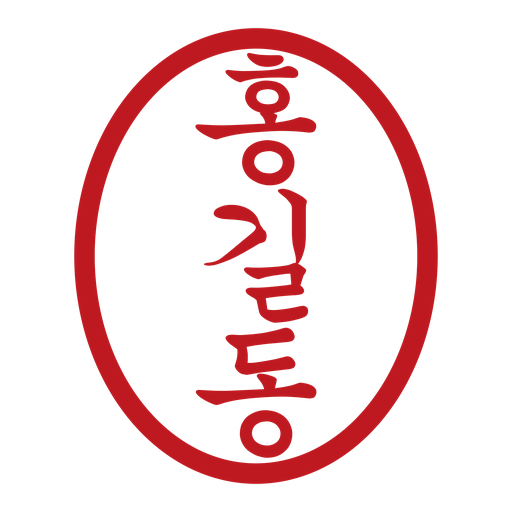
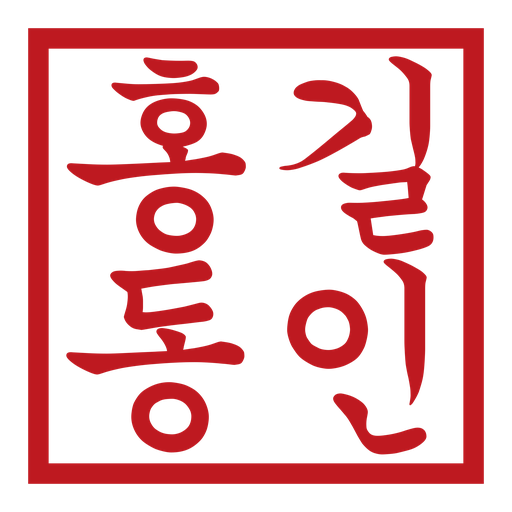
- Choose circle/ellipse for 1–4 characters, square styles for 1–16, or approval seals for 1–2.
- A Hanja label does not mean every Han character is covered. Check your actual text in the preview.
- Samples are for comparison. Check your preview after choosing, then generate the final image.

1Decide how to write the name first
Enter the Hangul or supported Hanja you want. Changing interface language does not translate or transliterate your name. Spaces are removed during creation, so check the characters that should appear.
2Match shape to text and signature space
Circle and ellipse suit short names; square and rounded-square styles allow longer text. Handmade options have irregular-looking borders. Approval seals are a separate 1–2-character style, not a guarantee of any organisation’s required format.
3Compare fonts by style and supported script
Compare serif, sans-serif and brush-like styles, prioritising readability at the intended small size. All-Hanja input filters to Hanja-capable fonts, but individual characters may still be missing. Check the character named in an error and try another supported font.
4When do the optional seal suffixes apply?
For personal seals, a three-character name can add 인/신/장 (印/信/章); a two-character name can add 의인/의신/의장 (之印/之信/之章). None keeps the entered name. The option does not apply to approval seals or other lengths. Avoid typing the suffix twice.
5Compare positive and negative engraving, then preview
Positive engraving colours the lettering; negative engraving colours the surrounding field and leaves the letters open. In the transparent final PNG, the document can show through those openings. Compare the samples and preview your actual name.
The preview is for checking, not the downloadable original. Check spelling, missing characters and shape, then create and save the PNG. You can edit again in the same tab.
Questions about this guide
I don’t know the Hangul spelling of my name.
First check how you want your name written in Hangul, then type or paste it here. Spellings vary with pronunciation. Stampng does not automatically translate or transliterate names.
Can I use Hanja too?
Fonts marked Hangul · Hanja support some Hanja. Coverage varies and some characters may be unavailable. A non-Hanja font may be replaced by Noto Serif KR.
Does this replace an official seal or identity verification?
Stampng makes images. It does not register seals, verify identity or certify electronic signatures. Check the receiving organisation’s requirements before using it on submitted documents.
Ready to make your own Korean stamp?
Choose your Hangul name, shape and font. Save it as a transparent PNG.